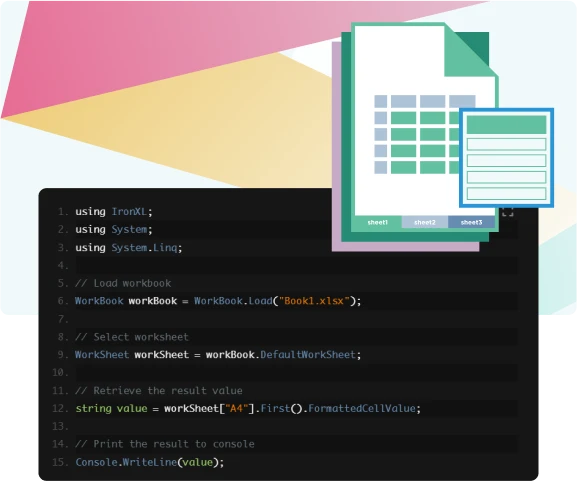
IronXL supports the editing of existing formulas within your spreadsheet without the need for Microsoft Office. This means you can adjust formulas within your spreadsheet to best work with the data available. IronXL currently supports over 165 different formulas

Didn’t find what you were looking for?
Working With Data
Use math functions and formulas without needing to open Microsoft Excel.
Using Formulas
Using IronXL, you can easily access the result of any formula within the worksheet, making it easy to work with up to date information that is accurate and best reflects the current data available on the spreadsheet.
Working With Math Functions
With the Average Function, you can easily calculate the average of any given range, row, or column. All without needing to manually work out the average or use Microsoft Office.
Use IronXL’s Sum function to calculate the total sum of the numbers within the given range. Automating this will save you time on manual calculations and therefore raise the efficiency of your spreadsheets.
Implementing the Min function to your spreadsheet simplifies the process of identifying the minimum number within a selected range.
The Max function can be implemented to efficiently find the maximum number within a selected range, saving you time and making it easier for analysing the data presented.
Ready to Get Started?
Nuget Downloads 2,237,574|Version:2026.9just released
Product Links
- - Create, read, and edit PDFs. HTML to PDF for .NET.
- - Edit DOCX Word Files. No Office Interop required.
- - Edit Excel & CSV files. No Office Interop required.
- - Create, read, and edit presentations. No Office Interop required.
- - OCR (extract text from images) in 125 languages.
- - Read and write QR & Barcodes.
- - Read and write QR codes.
- - Zip and unzip archives.
- - Print documents in .NET applications.
- - Scrape structured data from websites.
The Excel API you need, without the Office Interop hassle.