IRONSOFTWAREHOME

Edit Workbooks

Customize your workbooks to create visually appealing worksheets, add graphs and images for better data analysis, style the cells, and more!

Visually Represent Your Data

Enhance your worksheets and add a visual aid for your data by adding images to your spreadsheets. Or, perhaps you want to remove out-of-date images or extract data-rich images from other workbooks for further use. All of this and more is possible with IronXL.

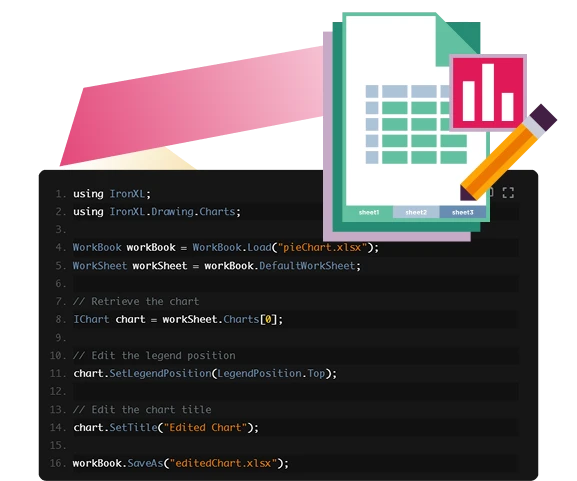
Graphically represent your spreadsheet data through the use of charts. IronXL supports various chart types, including column, scatter, line, pie, bar, and area. If you find that you’ve added more data or want to change the form of the chart used, you can just as easily edit the existing chart to make it best fit your needs!

Edit The Layout

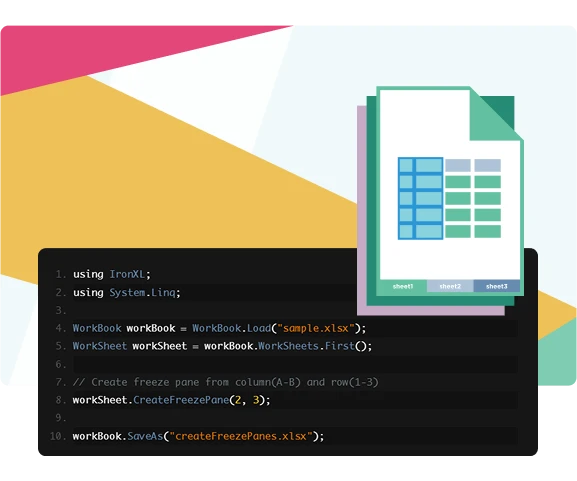
Make viewing larger sets of data easy by adding a freeze pane to your spreadsheets. Alternatively, IronXL makes it a breeze to remove freeze panes, providing another way to maintain full control over your spreadsheets!

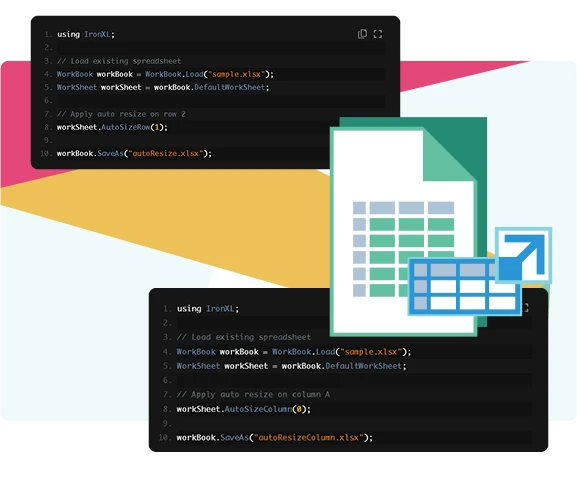
If you’re working with data that may have different sized content throughout it, implementing auto resizing may be especially beneficial. With this feature, you can ensure that your rows and columns will automatically resize themselves based on their content.

Working With Cells

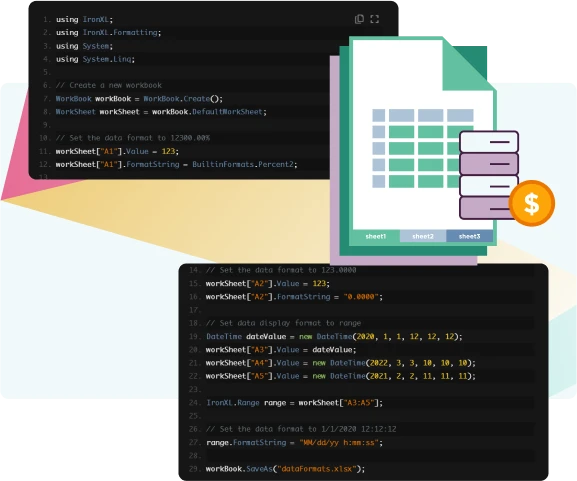
IronXL allows you to set how the data within the cell is formatted (numbers, dates, times, etc.) without the need to use Microsoft Office. This way, you can easily present the data as it’s intended, such as formatting numbers as different currencies, enhancing both readability and data presentation.

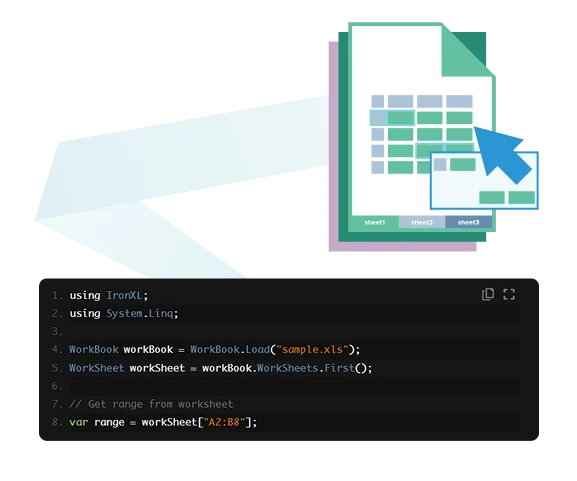
The ability to select specific ranges within a worksheet allows you to perform any number of operations on the data contained within that range. Beyond simply selecting ranges for other operations, this can also be of great use when you want to combine multiple ranges together.

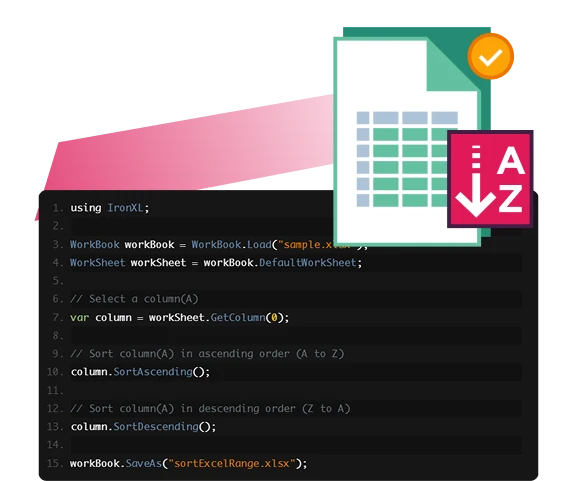
When you want to analyse the data within your spreadsheet, being able to sort it alphabetically or in order of value can be greatly beneficial. With IronXL, sorting your cell ranges is a breeze, so you can focus more on the data itself rather than trying to sort it all manually.

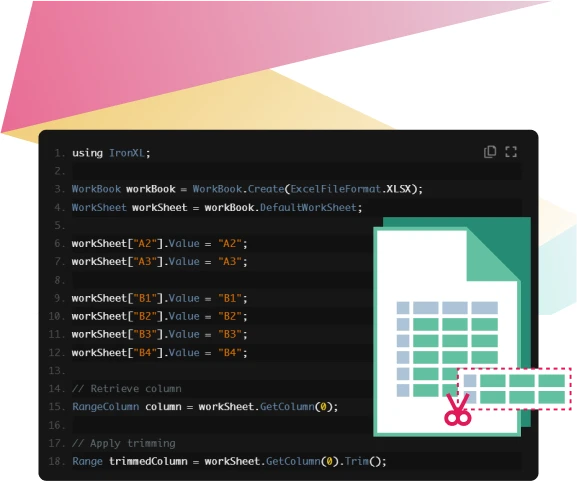
Remove unnecessary empty rows and columns from within selected cell ranges to optimize your spreadsheets. Be free of any clutter and efficiently process your data with ease thank to IronXL.

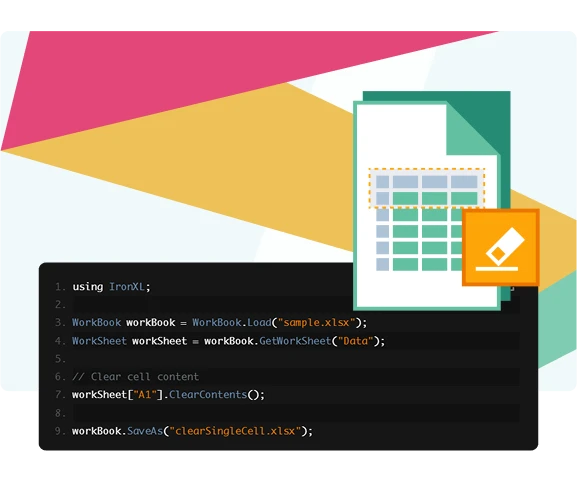
Easily remove outdated or irrelevant data from your spreadsheet cells with IronXL. By clearing out the unwanted content within cells, you can ensure your content is clean, free of any data errors, and ready for new data.

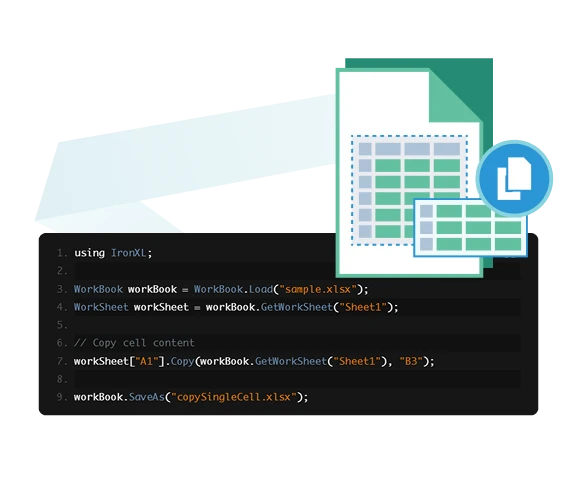
Automate your data entry tasks by copying and pasting cells, both content and styling. Maintain a consistent design throughout your spreadsheets while avoiding manual data entry.

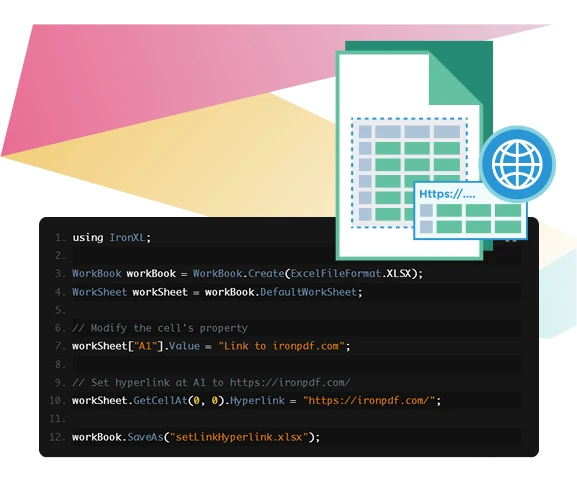
Would your spreadsheet benefit from clickable references to other locations within your workbook? IronXL’s support for adding hyperlinks within your cells allows you to add a new level of interactivity within your spreadsheets that makes navigating through your data, or even external URLs, easy.

Create flexible spreadsheets with IronXL’s merge and unmerge tools. Now you can merge adjacent cells together wherever needed, or unmerge previously merged cells back to their original selves. This makes it easy to have consistent alignment across your spreadsheets.

Styling Cells

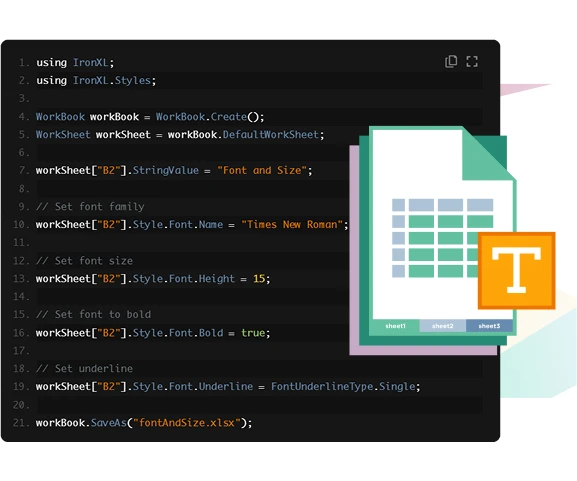
With IronXL, it’s never been easier to customize the front properties of your spreadsheet’s cells. By editing your font and font sizes, you can improve readability, emphasize essential data, and more.

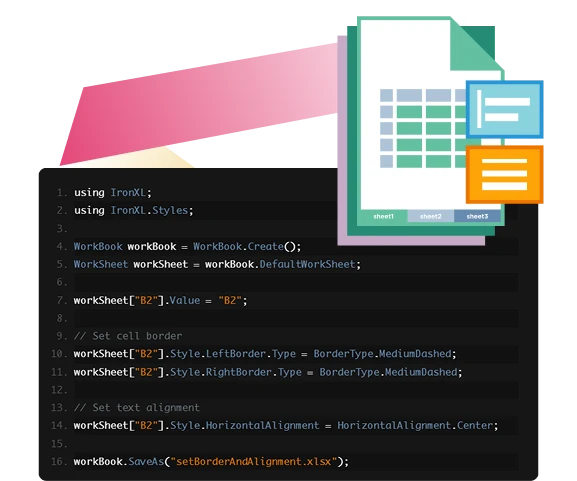
Enhance your datasets by adding borders to your cells, adding a visual element that could help with the readability of your data and display your data in a more professional manner. You can add to this further by making use of the text alignment feature to align the content within the cells for even better readability and visual appeal.

You can enhance your data's visual appeal by adding custom background patterns and colors to cells. This feature also helps highlight important information or emphasize header rows in tables.

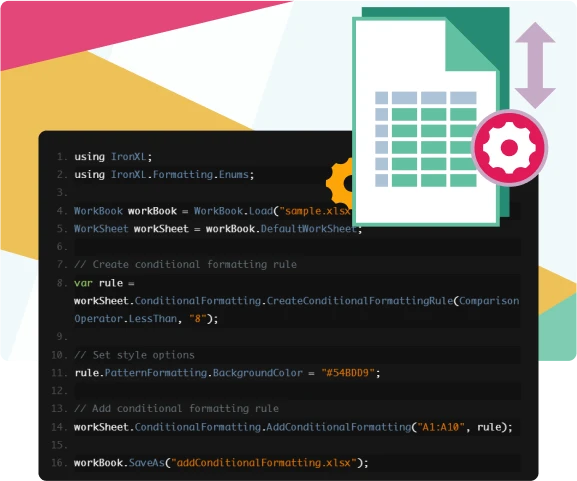
Applying conditional formatting rules and styles to your spreadsheet cells enables you to ensure any data matching the specified criteria is highlighted or emphasized, making it easier to analyse and read the data.

Ready to Get Started?

Nuget Downloads 2,237,574Version:2026.9just released

Key in blue circle

Get your free 30-day Trial Key instantly.

Your trial license will be sent to your email address

No limitations. 100% unlocked. No credit card.

bullet_checkedNo credit card or account creation requiredNo limitations. 100% unlocked. No credit card.
  • Logo Aetna
  • Logo NASA
  • Logo GE
  • Logo Porsche
  • Logo USDA
  • Logo Qatar
Join Millions of Engineers who’ve tried IronPDF
Book your free Live Demo
Booking Badge

Trusted by Millions of Engineers Worldwide

Iron Software's customer logos
Get Your No-Obligation Consult
Complete the form below or email sales@ironsoftware.com
Your details will always be kept confidential.
Trusted by Millions of Engineers Worldwide
Iron Software's customer logos
Get your free 30-day Trial Key instantly.
No credit card or account creation required