
If you want to secure your Workbooks to ensure that the data within is only shared with those who are supposed to see it, you can add a password to the Workbook, protecting it from unauthorised access.
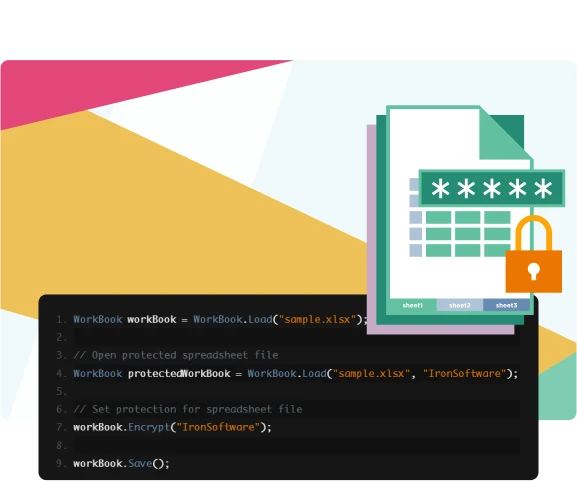
Ensure file security through the use of passwords, encrypt your entire workbook, or just individual worksheets.
If you want to secure your Workbooks to ensure that the data within is only shared with those who are supposed to see it, you can add a password to the Workbook, protecting it from unauthorised access.
By making your Worksheets be read-only, you can protect your data as it ensures that only someone with the password - and therefore your permission - can access and modify your Worksheets and the data they contain.

Nuget Downloads 2,280,941|Version:2026.10just released

IronXL is a part of IRONSUITE
10 .NET API products for your office documents

The Excel API you need, without the Office Interop hassle.

