IRONSOFTWAREHOME

Styling Barcodes

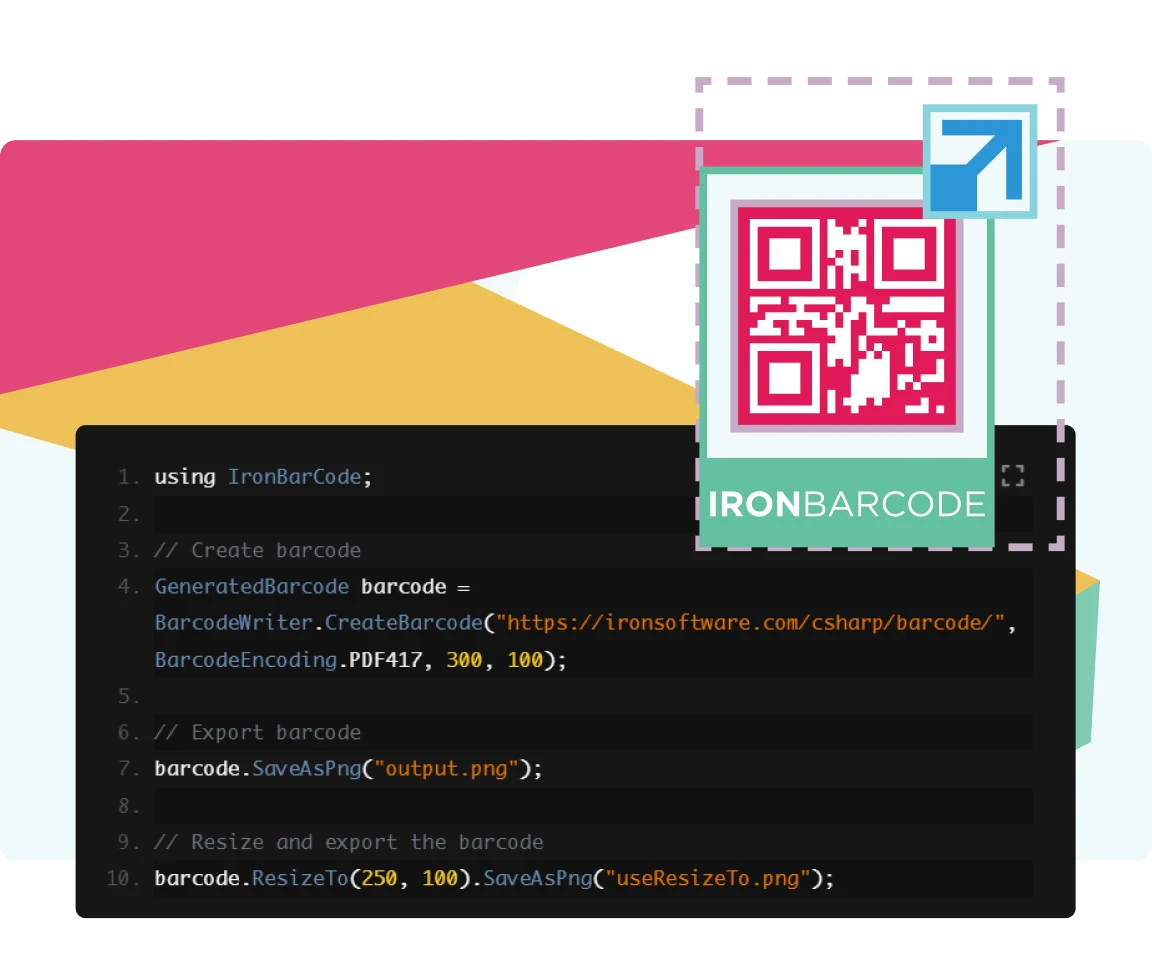
Looking to make your barcode unique and stand out truly? Ironbarcode provides developers with in-depth customization and options such as resizing and adding logos to truly make the barcode one of a kind.

Styling Barcodes

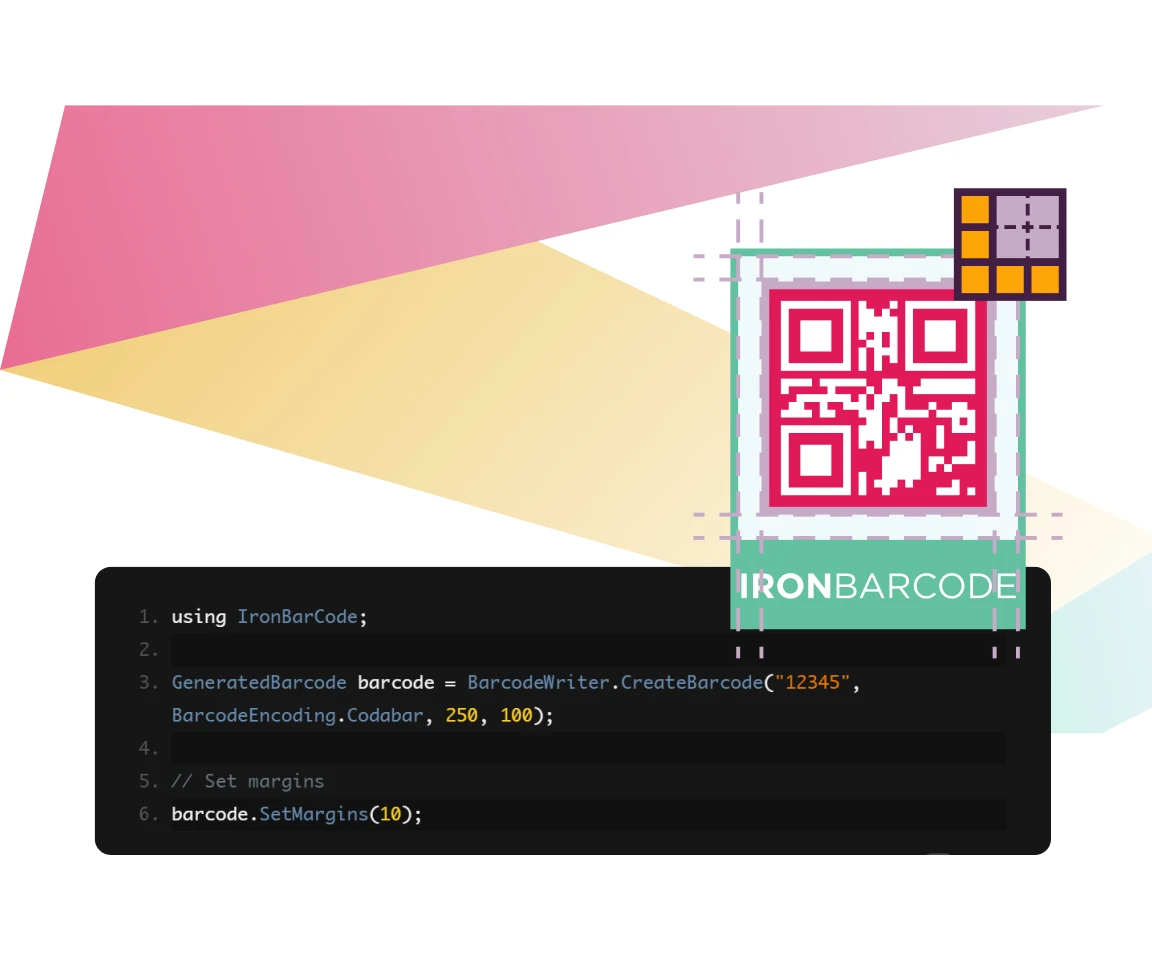
Resize barcodes to fit your exact specifications with a couple of lines of code.

IronBarcode allows for adding margins and borders to the generated barcode, allowing developers to define regions for easier scanning.
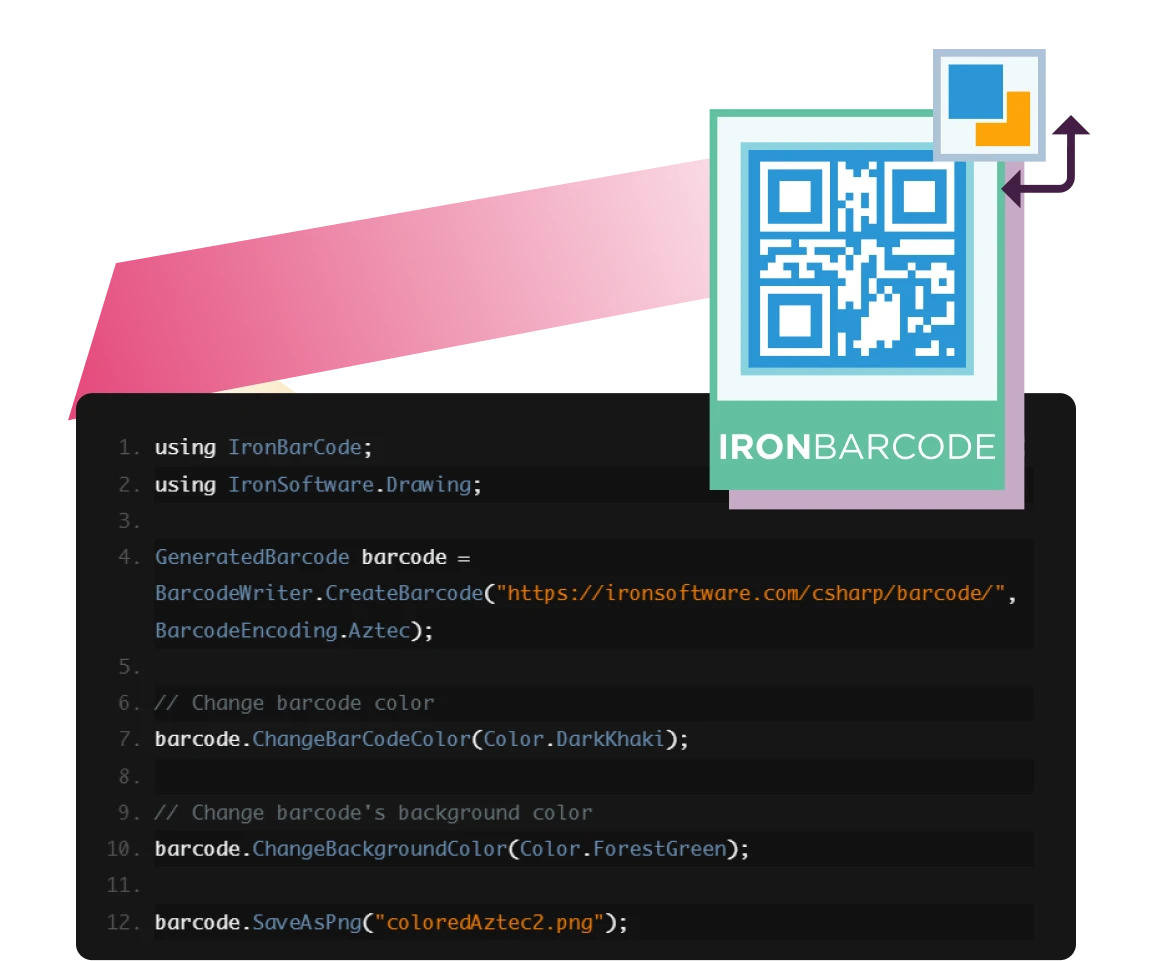
Add color to your barcode with IronBarcode. Can change both the background and foreground color of the barcode.
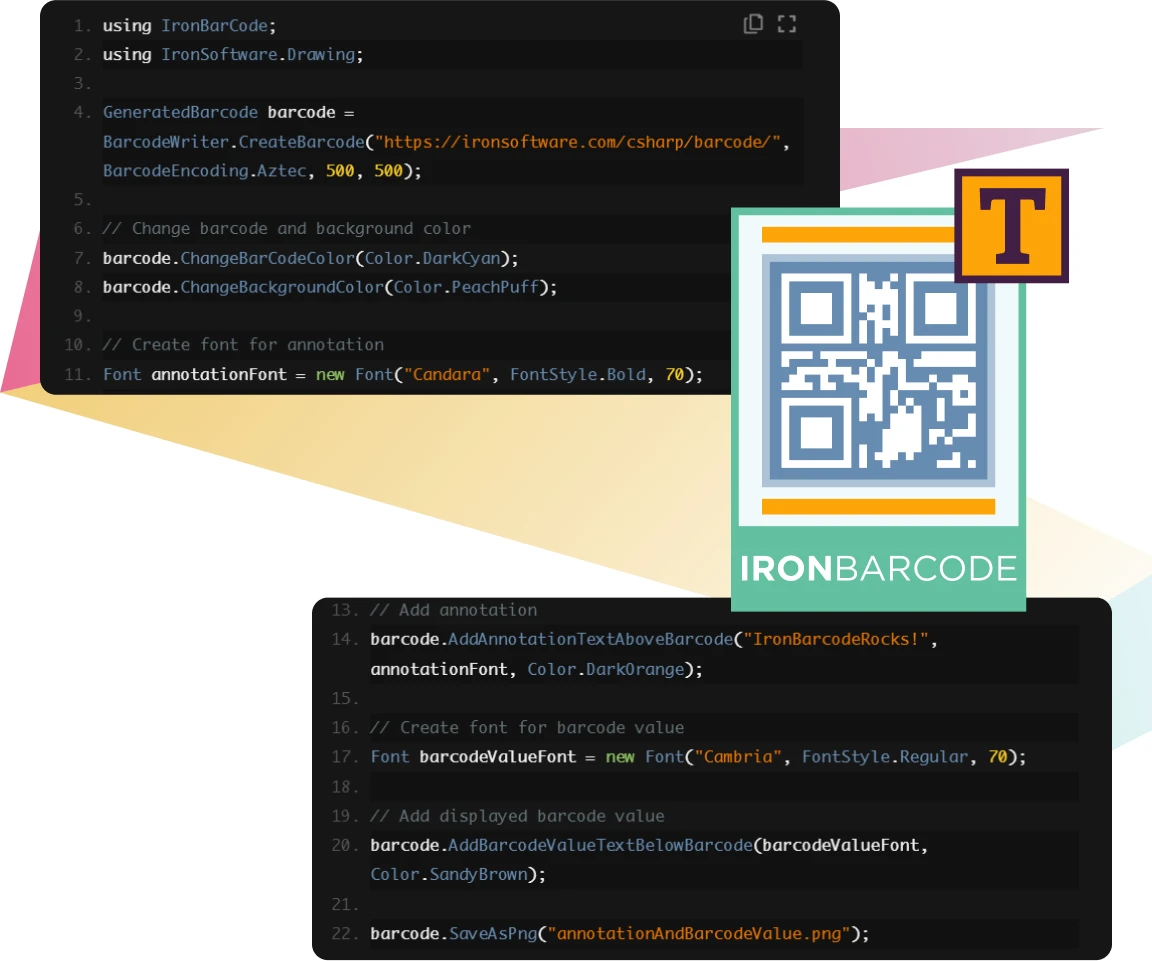
Use IronBarcode to add text annotations to the barcode, which is especially useful in scenarios where an inventory number is needed.
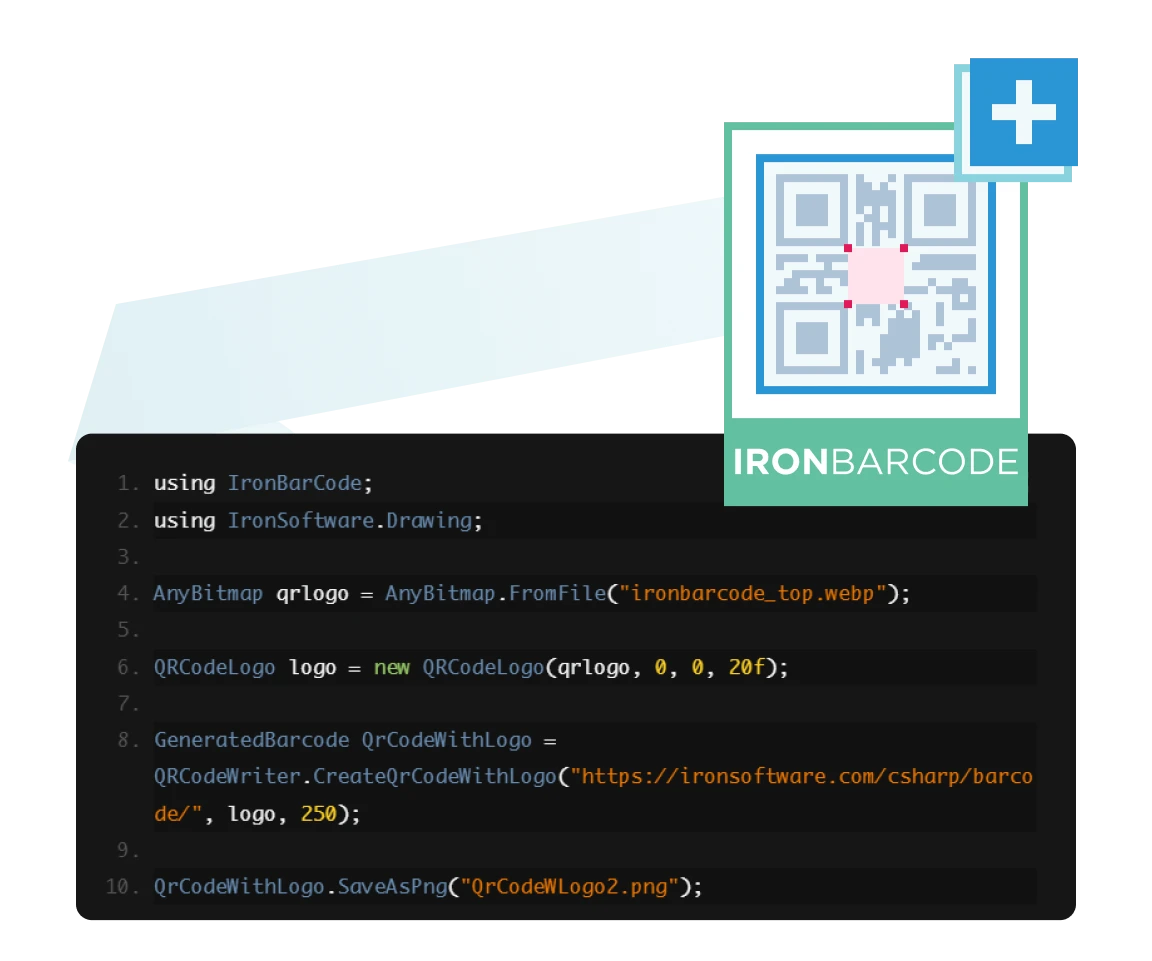
Want to make your QR code truly unique? Stamp your company’s logo onto it to make it distinct!
Ready to Get Started?

Nuget Downloads 2,472,280Version:2026.10just released

Key in blue circle

Get your free 30-day Trial Key instantly

Your trial license will be sent to your email address

No limitations. 100% unlocked. No credit card.

bullet_checkedNo credit card or account creation requiredNo limitations. 100% unlocked. No credit card.
  • Logo Aetna
  • Logo NASA
  • Logo GE
  • Logo Porsche
  • Logo USDA
  • Logo Qatar
Join Millions of Engineers who’ve tried IronBarcode
Book your free Live Demo
Booking Badge

Trusted by Millions of Engineers Worldwide

Iron Software's customer logos
Get a Quote, No Obligation
Your details will always be kept confidential.
  • Logo Aetna
  • Logo NASA
  • Logo GE
  • Logo Porsche
  • Logo USDA
  • Logo Qatar
Trusted by Millions of Engineers Worldwide
Get your free 30-day Trial Key instantly.
No credit card or account creation required
C# NuGet Library for PDF
Install with NuGet

Version: 2026.10

PM > Install-Package BarCode
nuget.org/packages/BarCode/
  1. In Solution Explorer, right-click References, Manage NuGet Packages
  2. Select Browse and search "IronBarCode"
  3. Select the package and install
C# PDF DLL
Download DLL

Version: 2026.10

  1. Download and unzip IronBarCode to a location such as ~/Libs within your Solution directory
  2. In Visual Studio Solution Explorer, right click References. Select Browse, "IronBarCode.dll"

Licenses from $999


