IRONSOFTWAREHOME

Fault Tolerance

One of the many features that make barcode so popular is its fault tolerance and how it retain information even under harsh physical conditions. Ironbarcode takes it to another level by providing the standard tools but with additional tools to enable developers to debug and set their barcode standards for their applications quickly.

Fault Tolerance

Ensure the integrity of barcode data with checksums.
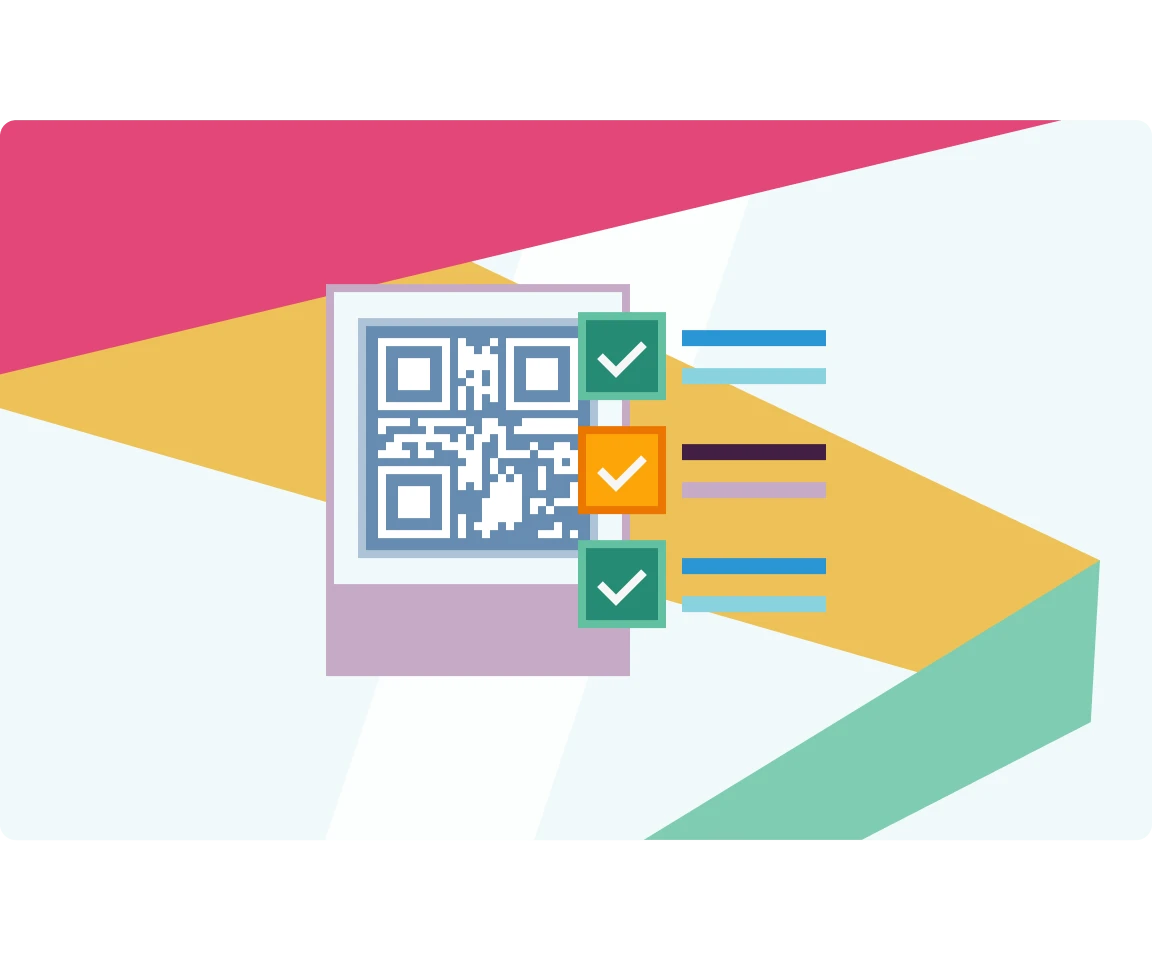
Since each format has varying requirements on data formatting and allowed characters, IronBarcode will ensure the input for any barcode format is valid and readable.

Debugging

IronBarcode provides detailed error messages in plain English to facilitate the debugging process for developers.

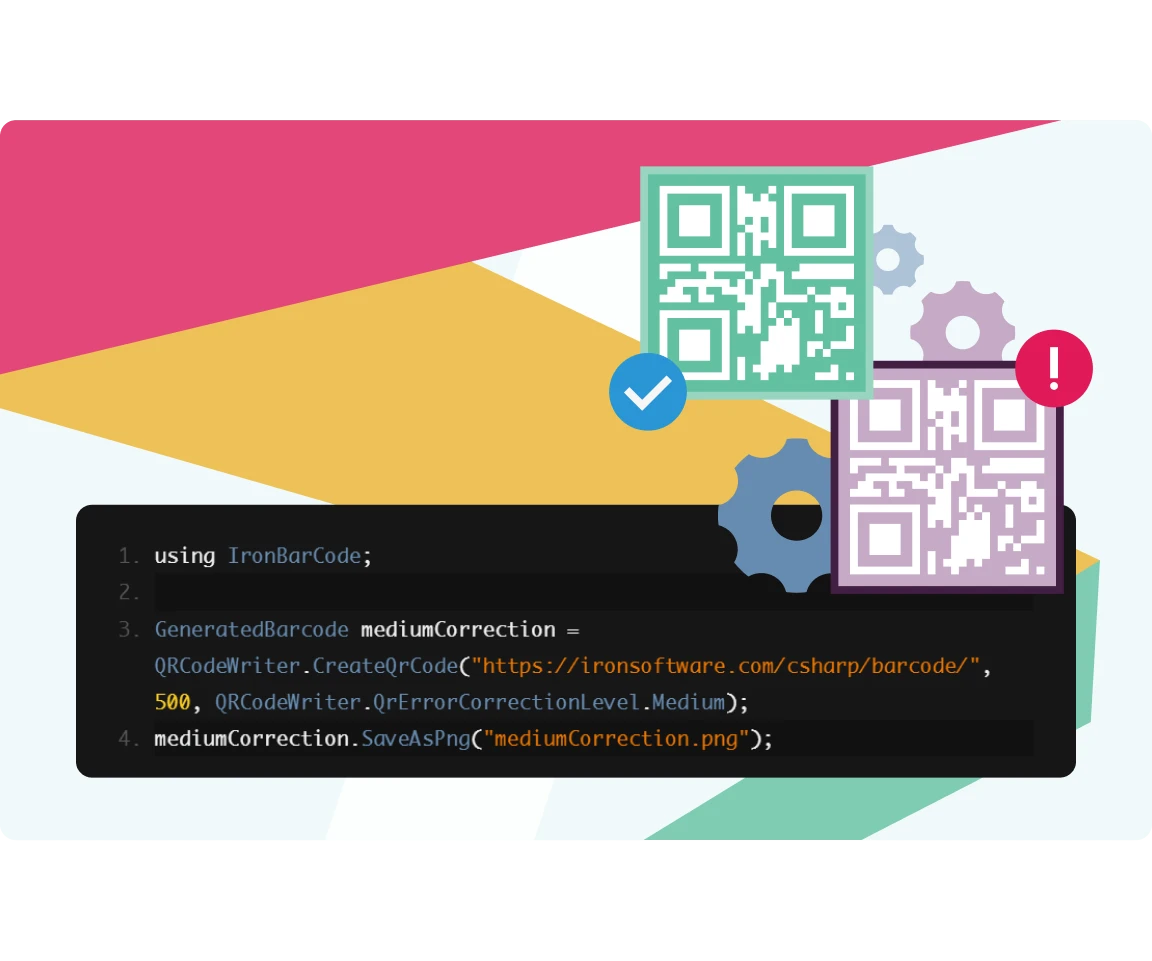
Customize the error correction settings for QR codes to fine-tune its fault tolerance and data size.
Ready to Get Started?

Nuget Downloads 2,472,280Version:2026.10just released

Key in blue circle

Get your free 30-day Trial Key instantly

Your trial license will be sent to your email address

No limitations. 100% unlocked. No credit card.

bullet_checkedNo credit card or account creation requiredNo limitations. 100% unlocked. No credit card.
  • Logo Aetna
  • Logo NASA
  • Logo GE
  • Logo Porsche
  • Logo USDA
  • Logo Qatar
Join Millions of Engineers who’ve tried IronBarcode
Book your free Live Demo
Booking Badge

Trusted by Millions of Engineers Worldwide

Iron Software's customer logos
Get a Quote, No Obligation
Your details will always be kept confidential.
  • Logo Aetna
  • Logo NASA
  • Logo GE
  • Logo Porsche
  • Logo USDA
  • Logo Qatar
Trusted by Millions of Engineers Worldwide
Get your free 30-day Trial Key instantly.
No credit card or account creation required
C# NuGet Library for PDF
Install with NuGet

Version: 2026.10

PM > Install-Package BarCode
nuget.org/packages/BarCode/
  1. In Solution Explorer, right-click References, Manage NuGet Packages
  2. Select Browse and search "IronBarCode"
  3. Select the package and install
C# PDF DLL
Download DLL

Version: 2026.10

  1. Download and unzip IronBarCode to a location such as ~/Libs within your Solution directory
  2. In Visual Studio Solution Explorer, right click References. Select Browse, "IronBarCode.dll"

Licenses from $999


