IRONSOFTWAREHOME

Cross-compatibility

Don't let platforms be the restraining factor for your application. With the cross-compatibility that IronQR has, it can be utilized everywhere from desktop to console to web application.

Support Platforms

Easily integrate and transition between all the .NET languages in between C#, VB.NET and F#. Additionally IronQR also supports .NET 10, 9, 8, 7, 6, and 5 and the following versions of .NET Core (2x and 3x), .NET Standard 2, and .NET Framework 4.6.2+.
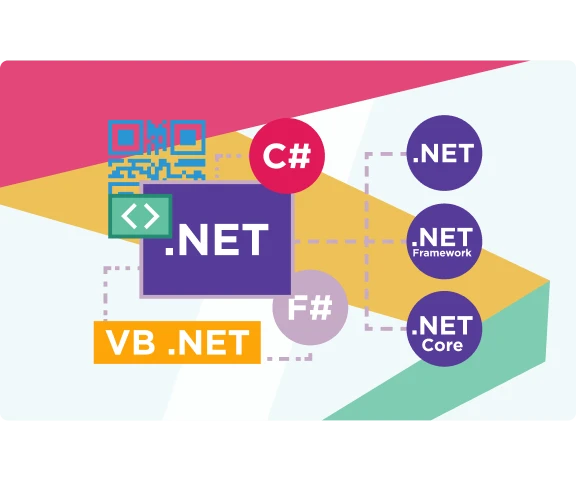
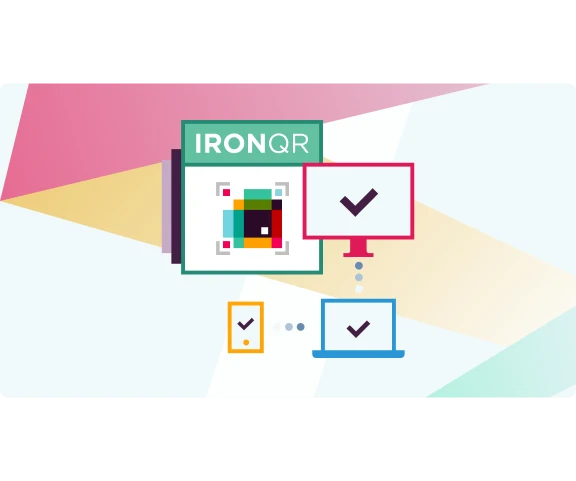
IronQR supports Web, Mobile, Desktop, and Console projects and can be integrated to them seamlessly.

App Environments

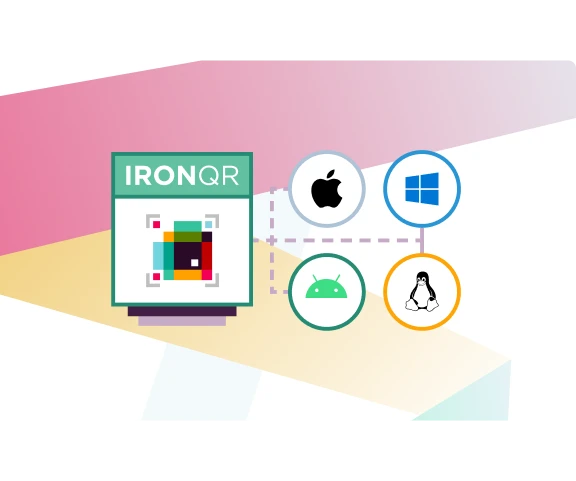
Deploy and use IronQR on local environments such as Windows(10+,Server 2016+), Linux(Ubuntu, Debian,CentOS), Apple macOS(10+), iOS(12+), and Android API 21+(v5 “Lollipop”).

Need to deploy on cloud environments? IronQR is compatible with Docker(Windows, Linux, Azure), Azure(VPS, WebApp, Function) and AWS.

IronQR supports and is compatible with Microsoft Visual Studio, JetBrains ReSharper, and Rider.

Ready to Get Started?

Nuget Downloads 76,271Version:2026.10just released

Key in blue circle

Get your free 30-day Trial Key instantly

Your trial license will be sent to your email address

No limitations. 100% unlocked. No credit card.

bullet_checkedNo credit card or account creation requiredNo limitations. 100% unlocked. No credit card.
  • Logo Aetna
  • Logo NASA
  • Logo GE
  • Logo Porsche
  • Logo USDA
  • Logo Qatar
Join Millions of Engineers who’ve tried IronQR
Book your free Live Demo
Booking Badge

Trusted by Millions of Engineers Worldwide

Iron Software's customer logos
Get a Quote, No Obligation
Your details will always be kept confidential.
  • Logo Aetna
  • Logo NASA
  • Logo GE
  • Logo Porsche
  • Logo USDA
  • Logo Qatar
Trusted by Millions of Engineers Worldwide
Get your free 30-day Trial Key instantly.
No credit card or account creation required
C# NuGet Library for PDF
Install with NuGet

Version: 2026.10

PM > Install-Package IronQR
nuget.org/packages/IronQR/
  1. In Solution Explorer, right-click References, Manage NuGet Packages
  2. Select Browse and search "IronQR"
  3. Select the package and install
C# PDF DLL
Download DLL

Version: 2026.10

  1. Download and unzip IronQR to a location such as ~/Libs within your Solution directory
  2. In Visual Studio Solution Explorer, right click References. Select Browse, "IronQR.dll"

Licenses from $999