


Generate QR Codes in C# - Complete Tutorial for .NET Developers

需要在 C# 应用程序中生成二维码吗? 本教程准确地向您展示如何使用IronBarcode来创建、定制和验证QR码,从简单的单行实现到高级功能,如嵌入标志和二进制数据编码。
无论您是构建库存系统、活动票务平台还是非接触式支付解决方案,您都将学习如何在 .NET 应用程序中实现专业级二维码功能。
快速入门:使用 IronBarcode 创建一行 QR 码
准备快速生成QR码了吗?这里是如何使用IronBarcode的QRCodeWriter API在仅仅一行代码中生成一个QR码——定制是可选的,但功能强大。

最小工作流程(5 个步骤)
- 通过 NuGet 安装 IronBarcode
- 用一行代码创建二维码:
QRCodeWriter.CreateQrCode() - 使用
CreateQrCodeWithLogo()嵌入徽标 - 使用
GeneratedBarcode.Verify()验证条形码的可读性 - 对二进制数据进行编码,以用于高级应用程序
How Do I Install a QR Code Library in C#?
使用NuGet包管理器通过以下简单命令安装IronBarcode:
Install-Package BarCode
或者,直接下载 IronBarcode DLL并将其作为引用添加到您的项目中。
导入所需的命名空间
添加以下命名空间即可访问 IronBarcode 的二维码生成功能:
:path=/static-assets/barcode/content-code-examples/tutorials/csharp-qr-code-generator-3.csusing IronBarCode;
// You may add styling with color, logo images or branding:
QRCodeLogo qrCodeLogo = new QRCodeLogo("visual-studio-logo.png");
GeneratedBarcode myQRCodeWithLogo = QRCodeWriter.CreateQrCodeWithLogo("https://ironsoftware.com/", qrCodeLogo);
myQRCodeWithLogo.ChangeBarCodeColor(System.Drawing.Color.DarkGreen);
// Save as PDF
myQRCodeWithLogo.SaveAsPdf("MyQRWithLogo.pdf");
// Also Save as HTML
myQRCodeWithLogo.SaveAsHtmlFile("MyQRWithLogo.html");Imports IronBarCode
' You may add styling with color, logo images or branding:
Private qrCodeLogo As New QRCodeLogo("visual-studio-logo.png")
Private myQRCodeWithLogo As GeneratedBarcode = QRCodeWriter.CreateQrCodeWithLogo("https://ironsoftware.com/", qrCodeLogo)
myQRCodeWithLogo.ChangeBarCodeColor(System.Drawing.Color.DarkGreen)
' Save as PDF
myQRCodeWithLogo.SaveAsPdf("MyQRWithLogo.pdf")
' Also Save as HTML
myQRCodeWithLogo.SaveAsHtmlFile("MyQRWithLogo.html")How Can I Create a Simple QR Code in C#?
使用CreateQrCode方法,仅用一行代码生成QR码:
:path=/static-assets/barcode/content-code-examples/tutorials/csharp-qr-code-generator-4.csusing IronBarCode;
using IronSoftware.Drawing;
using System;
// Verifying QR Codes
QRCodeLogo qrCodeLogo = new QRCodeLogo("visual-studio-logo.png");
GeneratedBarcode MyVerifiedQR = QRCodeWriter.CreateQrCodeWithLogo("https://ironsoftware.com/", qrCodeLogo);
MyVerifiedQR.ChangeBarCodeColor(System.Drawing.Color.LightBlue);
if (!MyVerifiedQR.Verify())
{
Console.WriteLine("\t LightBlue is not dark enough to be read accurately. Lets try DarkBlue");
MyVerifiedQR.ChangeBarCodeColor(Color.DarkBlue);
}
MyVerifiedQR.SaveAsHtmlFile("MyVerifiedQR.html");
// open the barcode html file in your default web browser
System.Diagnostics.Process.Start("MyVerifiedQR.html");Imports Microsoft.VisualBasic
Imports IronBarCode
Imports IronSoftware.Drawing
Imports System
' Verifying QR Codes
Private qrCodeLogo As New QRCodeLogo("visual-studio-logo.png")
Private MyVerifiedQR As GeneratedBarcode = QRCodeWriter.CreateQrCodeWithLogo("https://ironsoftware.com/", qrCodeLogo)
MyVerifiedQR.ChangeBarCodeColor(System.Drawing.Color.LightBlue)
If Not MyVerifiedQR.Verify() Then
Console.WriteLine(vbTab & " LightBlue is not dark enough to be read accurately. Lets try DarkBlue")
MyVerifiedQR.ChangeBarCodeColor(Color.DarkBlue)
End If
MyVerifiedQR.SaveAsHtmlFile("MyVerifiedQR.html")
' open the barcode html file in your default web browser
System.Diagnostics.Process.Start("MyVerifiedQR.html")CreateQrCode方法接受三个参数:
-文本内容:要编码的数据(支持 URL、文本或任何字符串数据) -尺寸:方形二维码的像素尺寸(本例中为 500x500) -纠错:确定在次优条件下的可读性(低、中、四分位数或高)
更高的纠错级别使二维码即使在部分损坏或被遮挡的情况下也能保持可读性,但这会导致更密集的图案和更多的数据模块。
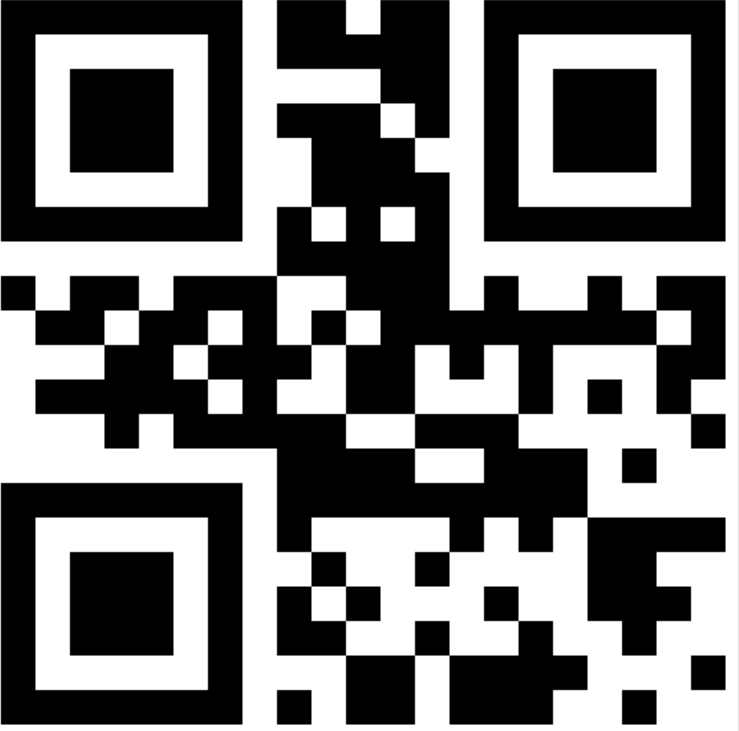 一个包含"hello world"文本的基本二维码,尺寸为500x500px,采用中等纠错级别生成。
如何在二维码中添加Logo?
在二维码中嵌入徽标可以增强品牌识别度,同时保持可扫描性。 IronBarcode自动定位和调整标志尺寸以保持QR码的完整性:
:path=/static-assets/barcode/content-code-examples/tutorials/csharp-qr-code-generator-5.csusing IronBarCode;
using System;
using System.Linq;
// Create Some Binary Data - This example equally well for Byte[] and System.IO.Stream
byte[] BinaryData = System.Text.Encoding.UTF8.GetBytes("https://ironsoftware.com/csharp/barcode/");
// WRITE QR with Binary Content
QRCodeWriter.CreateQrCode(BinaryData, 500).SaveAsImage("MyBinaryQR.png");
// READ QR with Binary Content
var MyReturnedData = BarcodeReader.Read("MyBinaryQR.png").First();
if (BinaryData.SequenceEqual(MyReturnedData.BinaryValue))
{
Console.WriteLine("\t Binary Data Read and Written Perfectly");
}
else
{
throw new Exception("Corrupted Data");
}Imports Microsoft.VisualBasic
Imports IronBarCode
Imports System
Imports System.Linq
' Create Some Binary Data - This example equally well for Byte[] and System.IO.Stream
Private BinaryData() As Byte = System.Text.Encoding.UTF8.GetBytes("https://ironsoftware.com/csharp/barcode/")
' WRITE QR with Binary Content
QRCodeWriter.CreateQrCode(BinaryData, 500).SaveAsImage("MyBinaryQR.png")
' READ QR with Binary Content
Dim MyReturnedData = BarcodeReader.Read("MyBinaryQR.png").First()
If BinaryData.SequenceEqual(MyReturnedData.BinaryValue) Then
Console.WriteLine(vbTab & " Binary Data Read and Written Perfectly")
Else
Throw New Exception("Corrupted Data")
End IfCreateQrCodeWithLogo方法通过以下方式智能处理标志放置:
- 自动调整徽标大小,以保持二维码的可读性
- 将其放置在静默区内,以避免数据损坏
- 更改二维码颜色时,保持徽标的原始颜色不变
这种方法可以确保您的品牌二维码在所有扫描设备和应用程序上都能完全正常工作。
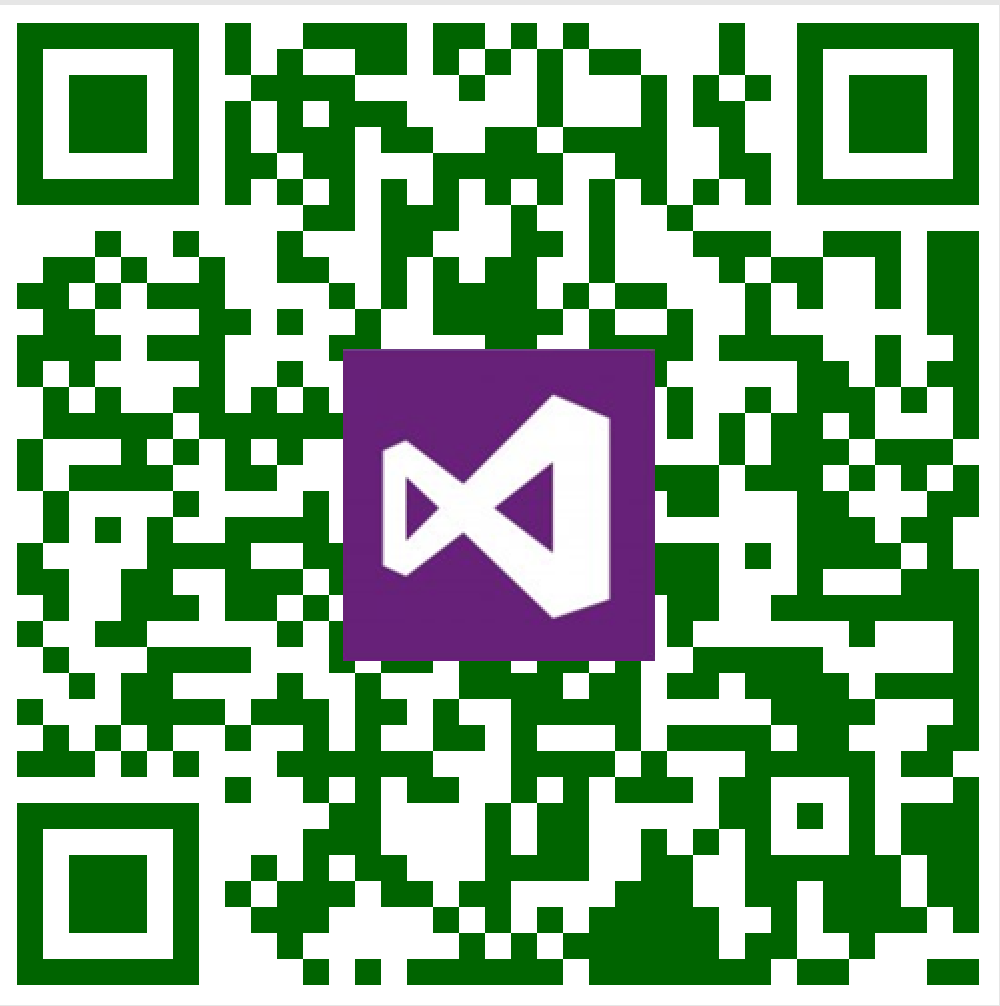 包含 Visual Studio 徽标的二维码,展示了 IronBarcode 的自动徽标尺寸调整和位置功能。
如何将二维码导出为不同格式?
IronBarcode支持多种导出格式以适应不同的使用场景。 将您的二维码导出为图片、PDF 或 HTML 文件:
:path=/static-assets/barcode/content-code-examples/tutorials/csharp-qr-code-generator-6.csusing IronBarCode;
using System;
using System.Linq;
BarcodeResults result = BarcodeReader.Read("QR.png", new BarcodeReaderOptions() { ExpectBarcodeTypes = BarcodeEncoding.QRCode });
if (result != null)
{
Console.WriteLine(result.First().Value);
}Imports IronBarCode
Imports System
Imports System.Linq
Private result As BarcodeResults = BarcodeReader.Read("QR.png", New BarcodeReaderOptions() With {.ExpectBarcodeTypes = BarcodeEncoding.QRCode})
If result IsNot Nothing Then
Console.WriteLine(result.First().Value)
End If每种格式都有其特定的用途:
- PDF :非常适合用于打印文档和报告
- HTML :非常适合无需外部依赖项的 Web 集成
- PNG/JPEG :用途广泛的标准图像格式
定制完成后如何验证二维码的可读性?
颜色修改和添加徽标可能会影响二维码的扫描效果。 使用Verify()方法确保您的定制QR码保持可读性:
:path=/static-assets/barcode/content-code-examples/tutorials/csharp-qr-code-generator-7.csusing IronBarCode;
using System;
using System.Linq;
BarcodeReaderOptions options = new BarcodeReaderOptions
{
Speed = ReadingSpeed.Faster,
ExpectMultipleBarcodes = false,
ExpectBarcodeTypes = BarcodeEncoding.All,
Multithreaded = false,
MaxParallelThreads = 0,
CropArea = null,
UseCode39ExtendedMode = false,
RemoveFalsePositive = false,
ImageFilters = null
};
BarcodeResults result = BarcodeReader.Read("QR.png", options);
if (result != null)
{
Console.WriteLine(result.First().Value);
}Imports IronBarCode
Imports System
Imports System.Linq
Private options As New BarcodeReaderOptions With {
.Speed = ReadingSpeed.Faster,
.ExpectMultipleBarcodes = False,
.ExpectBarcodeTypes = BarcodeEncoding.All,
.Multithreaded = False,
.MaxParallelThreads = 0,
.CropArea = Nothing,
.UseCode39ExtendedMode = False,
.RemoveFalsePositive = False,
.ImageFilters = Nothing
}
Private result As BarcodeResults = BarcodeReader.Read("QR.png", options)
If result IsNot Nothing Then
Console.WriteLine(result.First().Value)
End IfVerify()方法对您的QR码执行全面的扫描测试。 这样可以确保在部署前,不同扫描设备和光照条件下的兼容性。
 一个已成功验证的深蓝色二维码,对比度良好,可确保可靠扫描。
如何在二维码中编码二进制数据?
二维码在高效存储二进制数据方面表现出色。 此功能支持加密数据传输、文件共享和物联网设备配置等高级应用:
:path=/static-assets/barcode/content-code-examples/tutorials/csharp-qr-code-generator-8.csusing IronBarCode;
using System;
using System.Linq;
// Convert string to binary data
byte[] binaryData = System.Text.Encoding.UTF8.GetBytes("https://ironsoftware.com/csharp/barcode/");
// Create QR code from binary content
QRCodeWriter.CreateQrCode(binaryData, 500).SaveAsPng("MyBinaryQR.png");
// Read and verify binary data integrity
var myReturnedData = BarcodeReader.Read("MyBinaryQR.png").First();
// Confirm data matches original
if (binaryData.SequenceEqual(myReturnedData.BinaryValue))
{
Console.WriteLine("Binary Data Read and Written Perfectly");
}
else
{
throw new Exception("Data integrity check failed");
}
Imports IronBarCode
Imports System
Imports System.Linq

' Convert string to binary data
Dim binaryData As Byte() = System.Text.Encoding.UTF8.GetBytes("https://ironsoftware.com/csharp/barcode/")

' Create QR code from binary content
QRCodeWriter.CreateQrCode(binaryData, 500).SaveAsPng("MyBinaryQR.png")

' Read and verify binary data integrity
Dim myReturnedData = BarcodeReader.Read("MyBinaryQR.png").First()

' Confirm data matches original
If binaryData.SequenceEqual(myReturnedData.BinaryValue) Then
    Console.WriteLine("Binary Data Read and Written Perfectly")
Else
    Throw New Exception("Data integrity check failed")
End If二维码中的二进制编码具有以下几个优点:
-效率:以紧凑的二进制格式存储数据 -多功能性:可处理任何数据类型(文件、加密内容、序列化对象) -完整性:保留精确的字节序列,无编码问题
此功能使IronBarcode区别于基本的QR码库,在您的应用中实现复杂的数据交换方案。
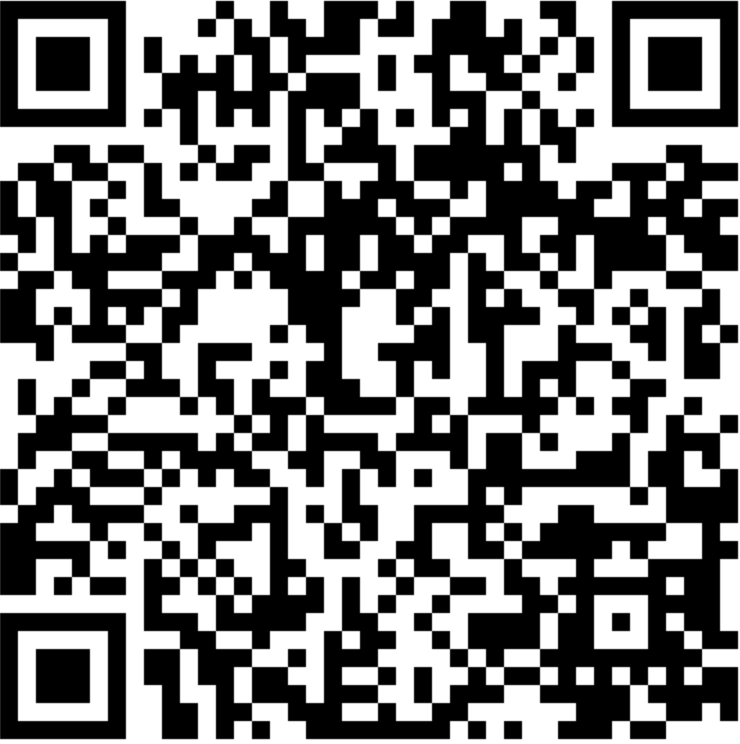 存储二进制数据的 QR 代码,展示 IronBarcode 的高级编码功能
How Do I Read QR Codes in C#?
IronBarcode提供灵活的QR码读取能力。 以下是最简单的方法:
:path=/static-assets/barcode/content-code-examples/tutorials/csharp-qr-code-generator-9.csusing IronBarCode;
using System;
using System.Linq;
// Read QR code with optimized settings
BarcodeResults result = BarcodeReader.Read("QR.png", new BarcodeReaderOptions() {
ExpectBarcodeTypes = BarcodeEncoding.QRCode
});
// Extract and display the decoded value
if (result != null && result.Any())
{
Console.WriteLine(result.First().Value);
}
else
{
Console.WriteLine("No QR codes found in the image.");
}
Imports IronBarCode
Imports System
Imports System.Linq

' Read QR code with optimized settings
Dim result As BarcodeResults = BarcodeReader.Read("QR.png", New BarcodeReaderOptions() With {
    .ExpectBarcodeTypes = BarcodeEncoding.QRCode
})

' Extract and display the decoded value
If result IsNot Nothing AndAlso result.Any() Then
    Console.WriteLine(result.First().Value)
Else
    Console.WriteLine("No QR codes found in the image.")
End If对于需要精细控制的更复杂场景:
:path=/static-assets/barcode/content-code-examples/tutorials/csharp-qr-code-generator-10.csusing IronBarCode;
using System;
using System.Linq;
// Configure advanced reading options
BarcodeReaderOptions options = new BarcodeReaderOptions
{
Speed = ReadingSpeed.Faster, // Optimize for speed
ExpectMultipleBarcodes = false, // Single QR code expected
ExpectBarcodeTypes = BarcodeEncoding.QRCode, // QR codes only
Multithreaded = true, // Enable parallel processing
MaxParallelThreads = 4, // Utilize multiple CPU cores
RemoveFalsePositive = true, // Filter out false detections
ImageFilters = new ImageFilterCollection() // Apply preprocessing
{
new AdaptiveThresholdFilter(), // Handle varying lighting
new ContrastFilter(), // Enhance contrast
new SharpenFilter() // Improve edge definition
}
};
// Read with advanced configuration
BarcodeResults result = BarcodeReader.Read("QR.png", options);
Imports IronBarCode
Imports System
Imports System.Linq

' Configure advanced reading options
Dim options As New BarcodeReaderOptions With {
    .Speed = ReadingSpeed.Faster,           ' Optimize for speed
    .ExpectMultipleBarcodes = False,        ' Single QR code expected
    .ExpectBarcodeTypes = BarcodeEncoding.QRCode, ' QR codes only
    .Multithreaded = True,                  ' Enable parallel processing
    .MaxParallelThreads = 4,                ' Utilize multiple CPU cores
    .RemoveFalsePositive = True,            ' Filter out false detections
    .ImageFilters = New ImageFilterCollection() From { ' Apply preprocessing
        New AdaptiveThresholdFilter(),      ' Handle varying lighting
        New ContrastFilter(),               ' Enhance contrast
        New SharpenFilter()                 ' Improve edge definition
    }
}

' Read with advanced configuration
Dim result As BarcodeResults = BarcodeReader.Read("QR.png", options)这些高级读取选项能够在光线不足、图像失真或印刷质量差等具有挑战性的条件下可靠地检测二维码。
二维码开发的下一步是什么?
现在您已掌握使用IronBarcode生成QR码,探索这些高级主题:
从PDF文档中提取二维码 -实现批量二维码处理 -对疑难扫描图像进行图像校正
下载资源
查看完整源代码和示例:
API 文档
请参阅 API 参考文档,了解完整的功能集:
替代方案:IronQR,适用于高级二维码应用
对于需要尖端 QR 代码功能的项目,请考虑 IronQR-Iron Software 的专业 QR 代码库,该库具有机器学习驱动的读取功能,准确率高达 99.99%,并提供高级生成选项。
准备好在您的 .NET 应用程序中实现二维码了吗? 立即开始免费试用或下载 IronBarcode 。
常见问题解答
如何在 C# 中生成 QR 码?
你可以在C#中使用IronBarcode的QRCodeWriter.CreateQrCode()方法生成二维码。此方法允许你传递内容、尺寸和纠错级别以高效地创建二维码。
二维码可以导出为哪些图像格式?
使用IronBarcode,你可以将二维码导出为多种格式,包括PNG、JPEG、PDF和HTML。方法如SaveAsPng()、SaveAsJpeg()、SaveAsPdf()和SaveAsHtmlFile()可用于此目的。
如何将公司Logo添加到二维码中?
IronBarcode提供CreateQrCodeWithLogo()方法,你可以传递包含Logo图像的QRCodeLogo对象。该库确保Logo尺寸和位置正确,以保持二维码可读性。
什么是二维码错误校正,应该选择哪个级别?
二维码中的错误校正使其即使在部分损坏时仍可扫描。IronBarcode提供四个级别:低(7%)、中(15%)、四分之一(25%)和高(30%)。中适用于大多数用途,而高在具有挑战性的环境中是理想的选择。
如何验证定制二维码的可读性?
你可以在GeneratedBarcode对象上使用Verify()方法,以确保你的定制二维码在进行颜色变化或Logo添加后的修改后仍然可扫描。
可以在二维码中编码二进制数据吗?
是的,IronBarcode的CreateQrCode()方法支持编码字节数组,使你能够在二维码中存储二进制数据,例如文件或加密内容。
如何在C#中从图像读取二维码?
要在C#中从图像读取二维码,请使用IronBarcode的BarcodeReader.Read()方法。为了优化性能,指定BarcodeEncoding.QRCode在BarcodeReaderOptions中。
二维码的最大数据容量是多少?
IronBarcode生成的二维码最多可容纳2,953字节、4,296个字母数字字符或7,089个数字字符,具体取决于所选的错误校正级别。
如何更改二维码的颜色同时确保其可读性?
IronBarcode中的ChangeBarCodeColor()方法允许你改变二维码的颜色。始终在颜色变化后使用Verify()方法确认二维码的可读性未受影响。
专用二维码库提供哪些功能?
IronQR是Iron Software的专门库,包含高级功能,如支持99.99%精度的机器学习驱动的二维码读取和针对复杂应用定制的强大生成能力。


还在滚动吗?
想快速获得证据? PM > Install-Package BarCode
运行示例 观看您的字符串变成 BarCode。








 免费开始
免费开始 免费开始
免费开始 预定免费现场演示
















